Disc Menus
Community catalogue
The disc menu is back. For your own library.
Rediscover the "Play Movie / Scene Selection / Special Features" screen. Each menu here is a small public-domain file for a film or series. The Disc Menus plugin for Jellyfin matches it to the right title in your library by its TMDB, IMDb or TVDB id.
How it works
-
Pick and download
A menu for a title you own. It's one small
.menu.jsonfile. - Drop it in Put it in the plugin's menus folder, or install it from the plugin's Menu Catalogue page.
- Press Disc Menu Open the title in Jellyfin. The plugin links the extras for you.
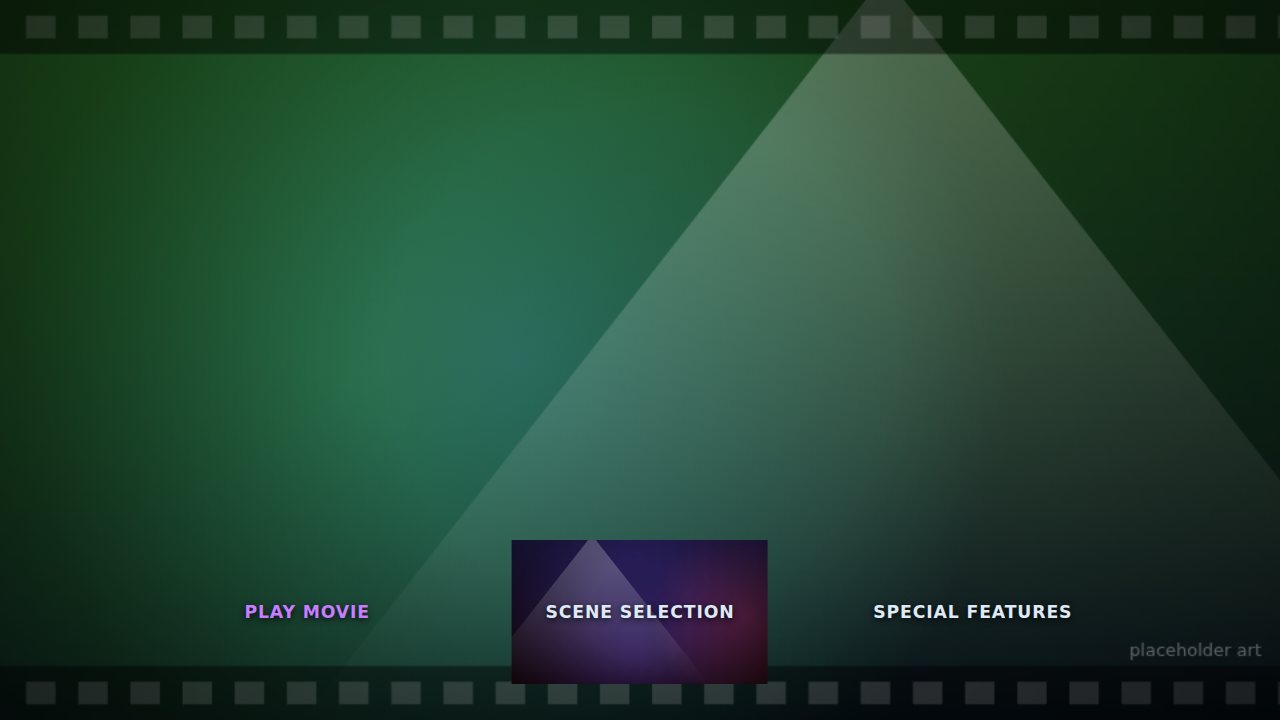
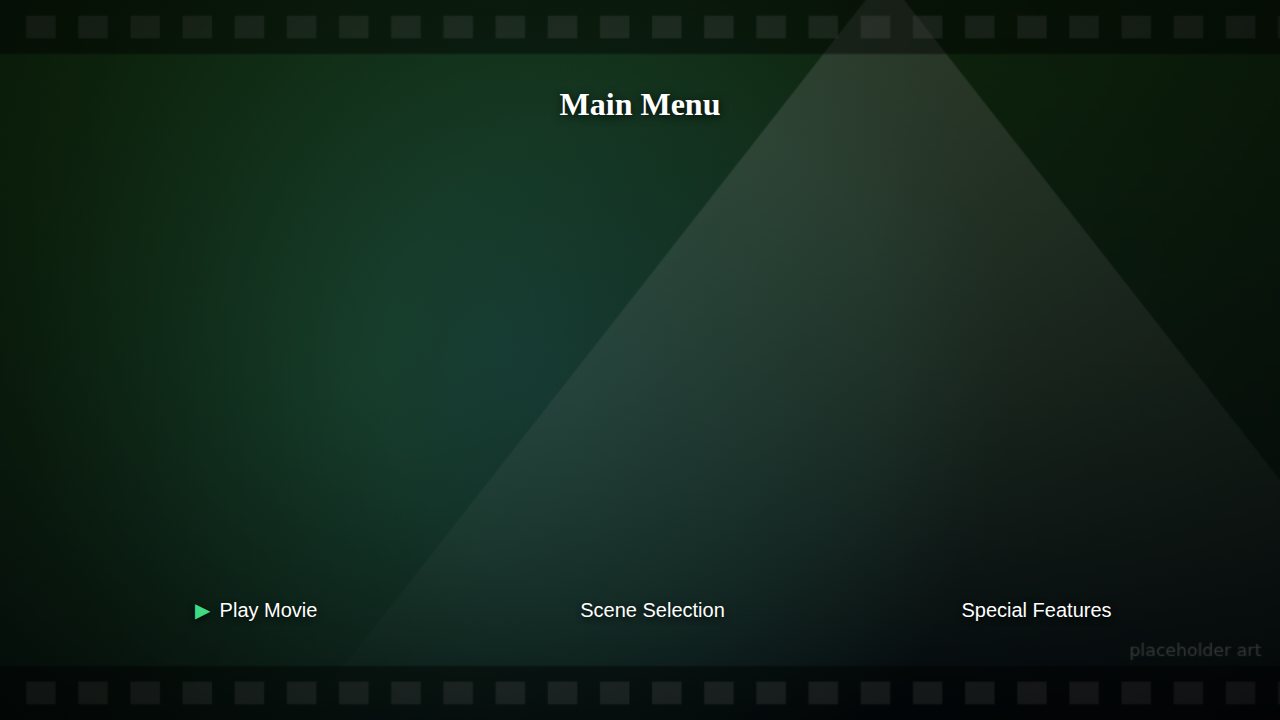
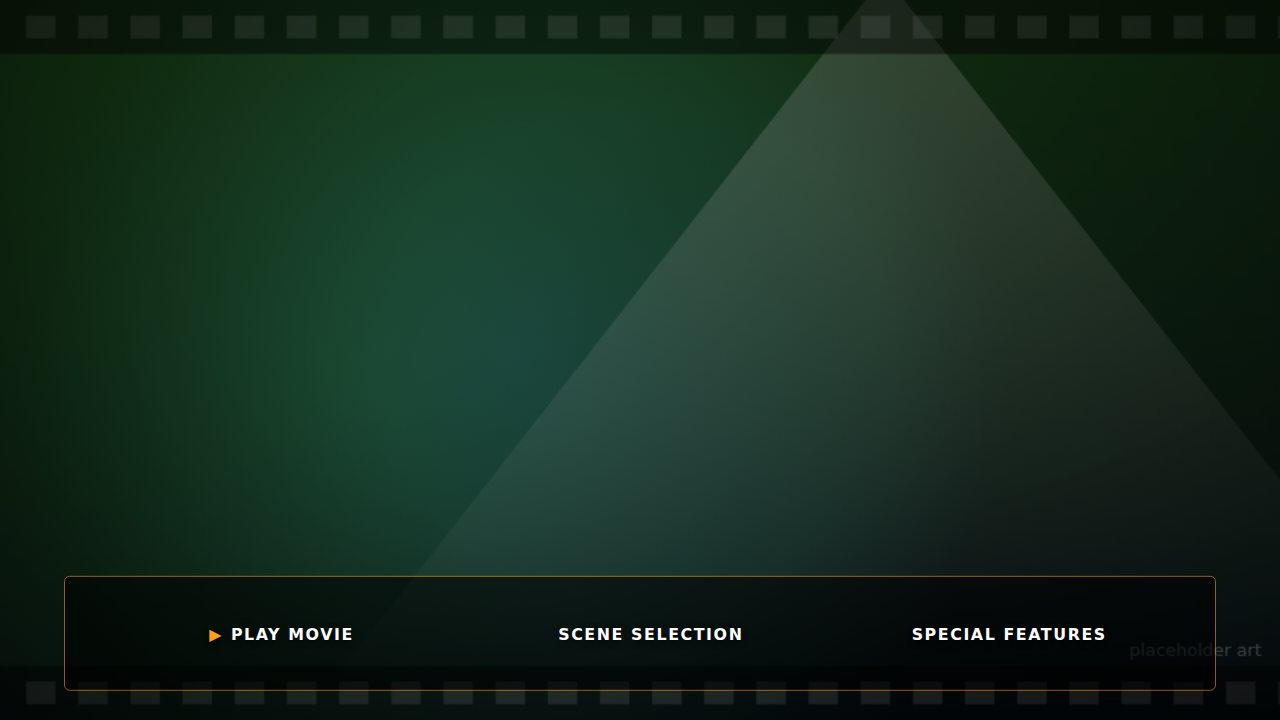
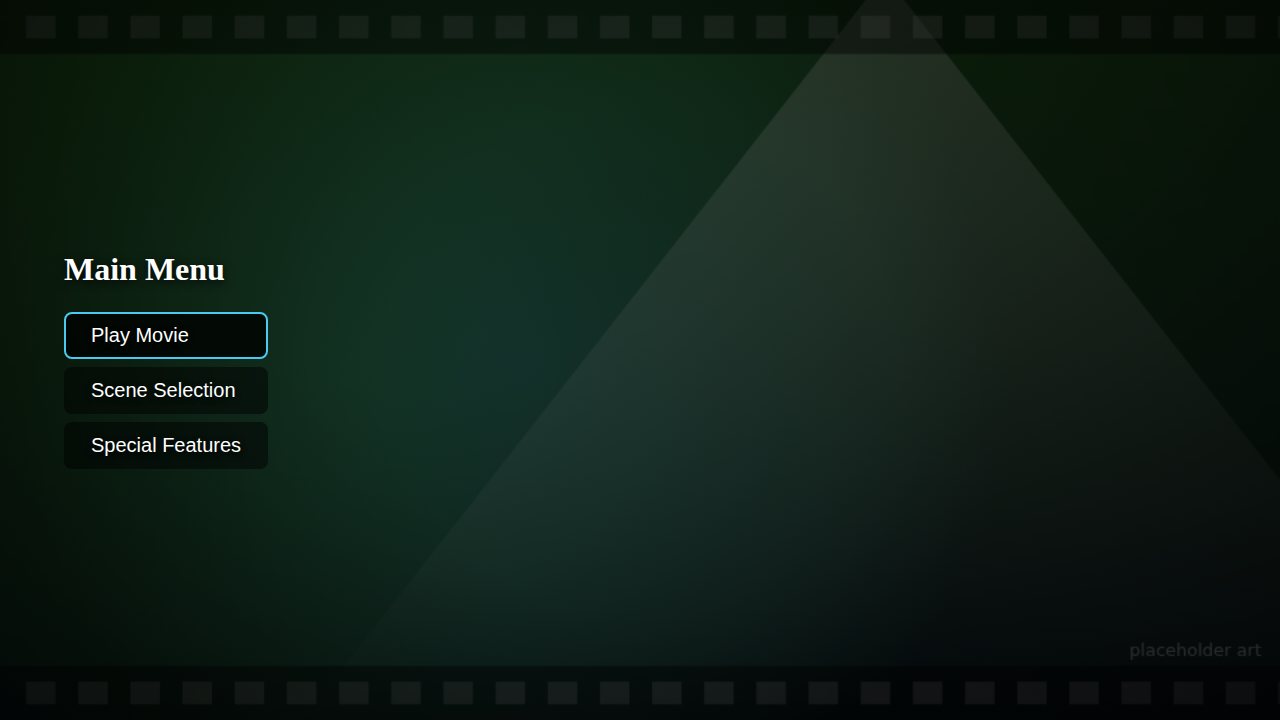
Menus describe layout and structure only. Backgrounds come from your own server or the film's TMDB backdrop; some menus can use art files you supply, and those are labelled bring your own art. A few link to openly licensed art the catalogue hosts itself (art included), and their previews show it; everywhere else the pictures on this site are generated placeholders, not the real look.
On the shelf
-
Big Buck Bunny
Movie · 4K UHD · 2008
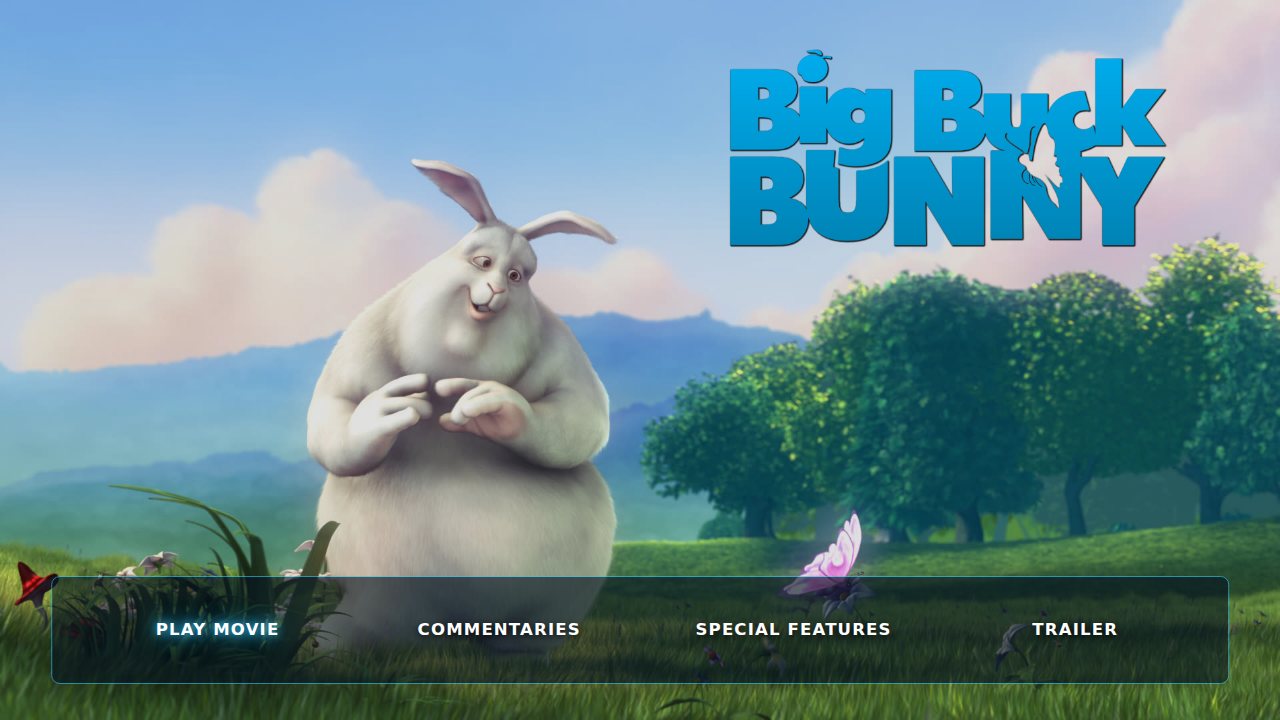
A full special edition: film-still backdrops, theme music, a picture-tile Special Features grid and a different look for each section, with all 31 extras from the 2008 DVD. Every file it needs is hosted here.
Art includedTrailer backgroundPaged grid
-
Demo
Blade Runner 2049
Movie · 4K UHD · 2018
The title's own trailer looping behind a translucent bar, with an automatically paged Special Features grid.
Trailer backgroundScene selectionPaged grid
-
Demo
Inception
Movie · Blu-ray · 2010
The simplest kind of menu: a plain list of buttons over the film's TMDB backdrop, with fade transitions and click sounds.
Scene selectionMusic and soundsTransitions
-
Demo
Spirited Away
Movie · DVD · 2003
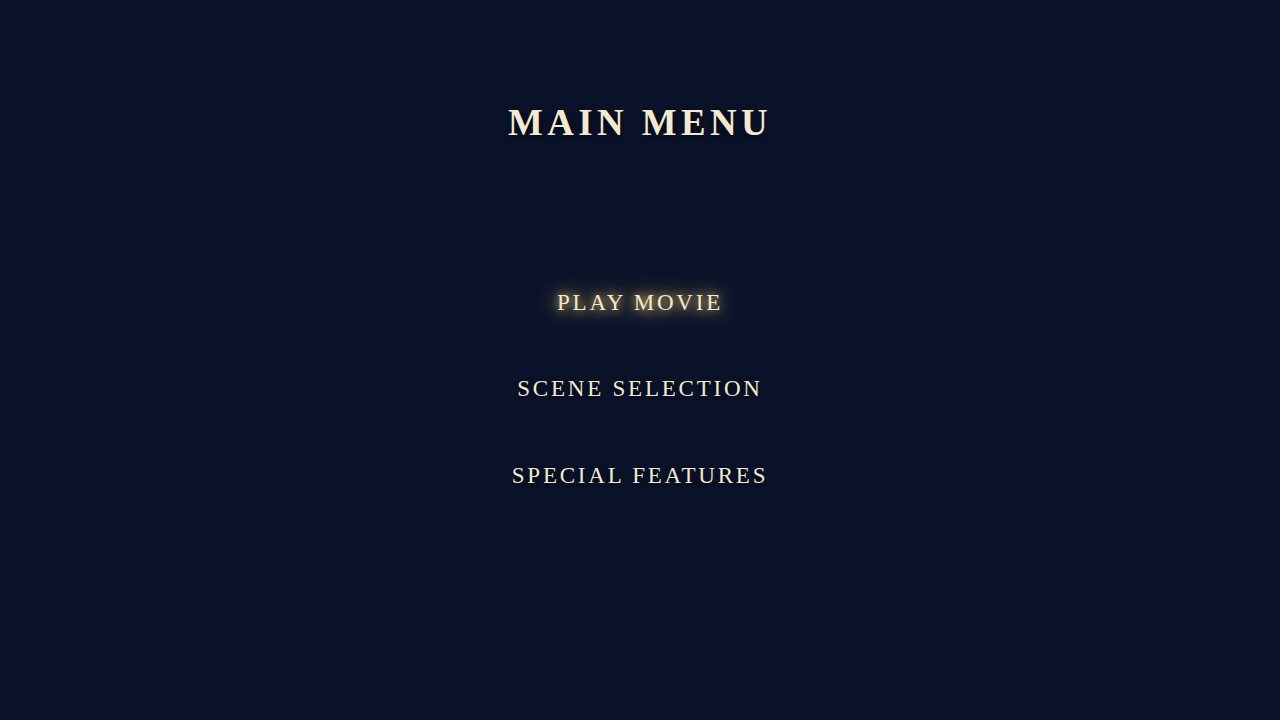
A flat colour background with centred serif text that glows, across three menu levels with Back and Home.
Scene selectionMusic and soundsTransitions
-
Demo
The Dark Knight
Movie · Blu-ray · 2008
A menu that expects its own background, banner and music files, which the user supplies. Shows how art is labelled.
Bring your own artScene selectionPaged grid
-
Demo
The Matrix
Movie · Blu-ray · 10th Anniversary · 2008
A bottom row of buttons and a lower menu tree, with a different TMDB backdrop on each page.
Scene selectionPaged gridTMDB backdrops